Sunday, September 24, 2023


Wednesday, September 13, 2023
Sun Micro Systems - Scott McNealy , First Global Internet Stream Christm...
https://github.com/johnsokol/holiday_greeting_1992
Sunday, August 13, 2023
Sun Micro Systems - Scott McNealy , First Global Internet Stream Decembe...
Sun Micro Systems - Scott McNealy , First Global Internet Stream December 1992.
I need a old copy of Solaris 2.4 or 2.5 on a SparkStation or emulator to capture an Mpeg4 of this.
player will play TESTME or holliday greeting 1992 files out to local audio and standard Xwindow.
Still looking for the source code for these.
This should be a precursor to : Sun's CellB Video Encoding rfc2029
http://www.cs.columbia.edu/~hgs/rtp/drafts/draft-ietf-avt-cellb-06.txt
"CellB, derived from CellA, has been optimized for network-based video applications. It is computationally symmetric in both encode and decode. CellB utilizes a fixed colormap and vector quantization techniques in the YUV color space to achieve compression."
I came in and implemented that change to there codec in a few days, and did the stream, I have no idea what happened to that code after I left my brief contract in 1992.
John
Wednesday, March 01, 2023
Wednesday, May 12, 2021
Tuesday, March 09, 2021
Puffer (puffer.stanford.edu) is a free and open-source live TV streaming website
Puffer (puffer.stanford.edu) is a free and open-source live TV streaming website, and also a research study at Stanford University using machine learning to improve video streaming.
More details can be found on the website, in our research paper (Community Award winner at NSDI 2020), and in the documentation.

Stream live TV in your browser. There's no charge. You can watch U.S. TV stations affiliated with the NBC, CBS, ABC, PBS, Fox, and CW networks.
Puffer works well in the Chrome, Firefox, Edge, and Opera browsers, on a computer or an Android phone or tablet. Puffer does not work on iPhones or iPads or in the Safari browser.
Puffer is a research project in the computer-science department at Stanford University. Please see the FAQ and our research paper (Community Award winner at USENIX NSDI 2020) for more information.
https://puffer.stanford.edu/faq/
Friday, January 29, 2021
Thursday, August 13, 2020
Wednesday, August 12, 2020
StereoPi : Stereo Camera Vision Board for the PI Zero Modules.
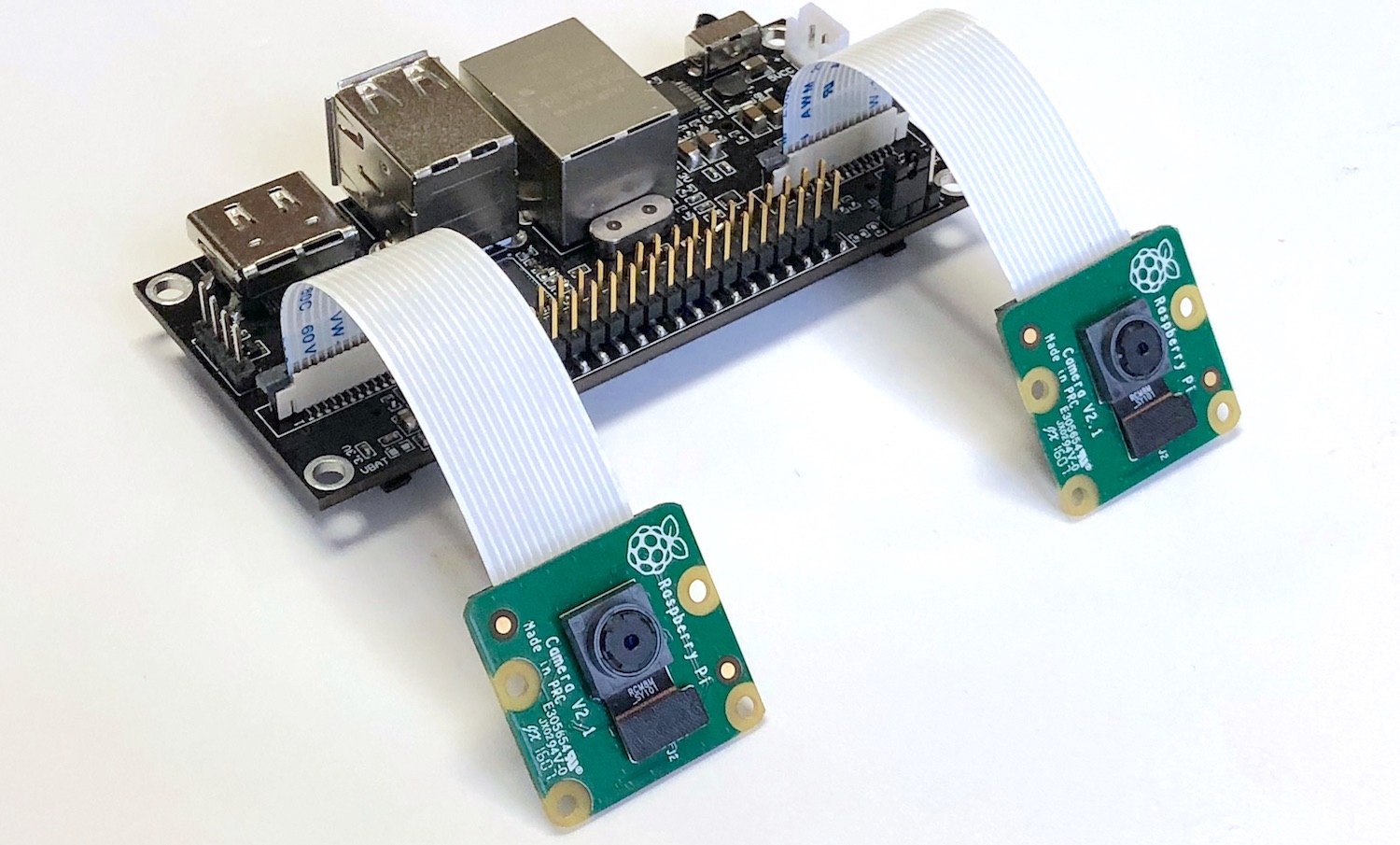
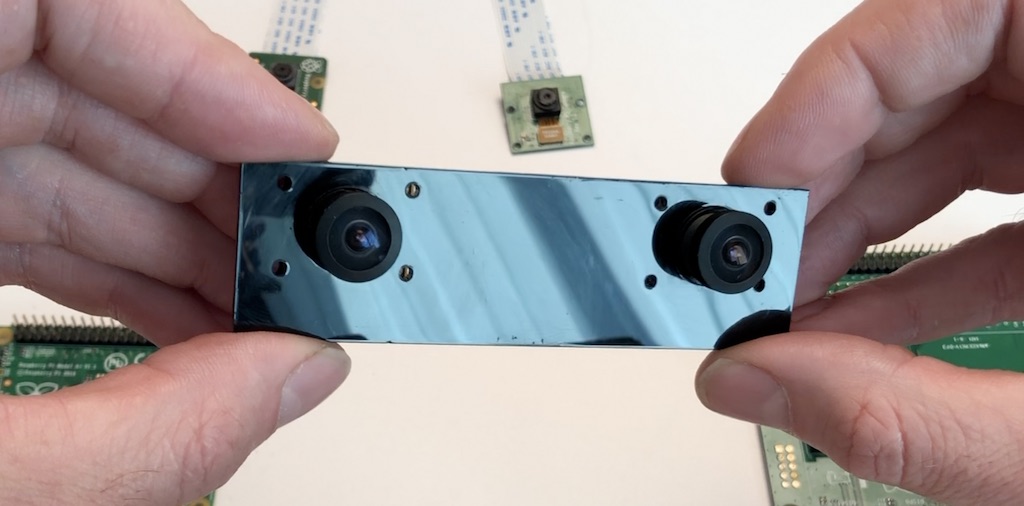
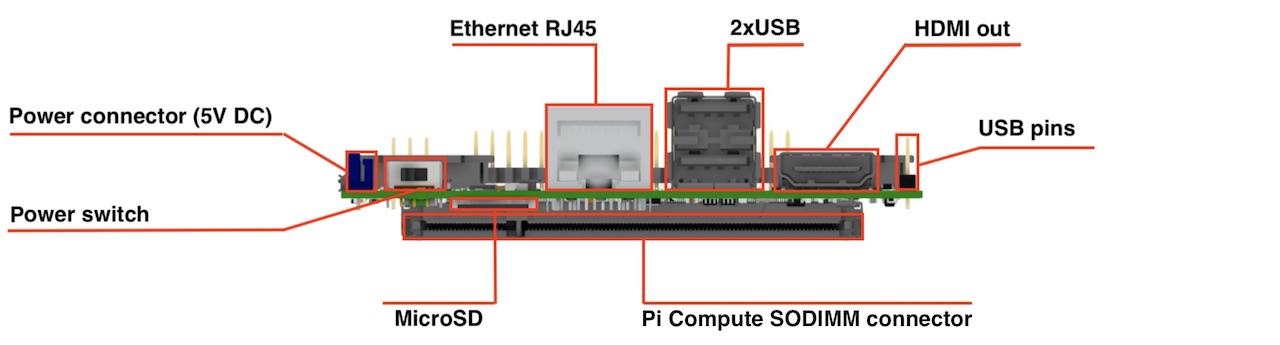
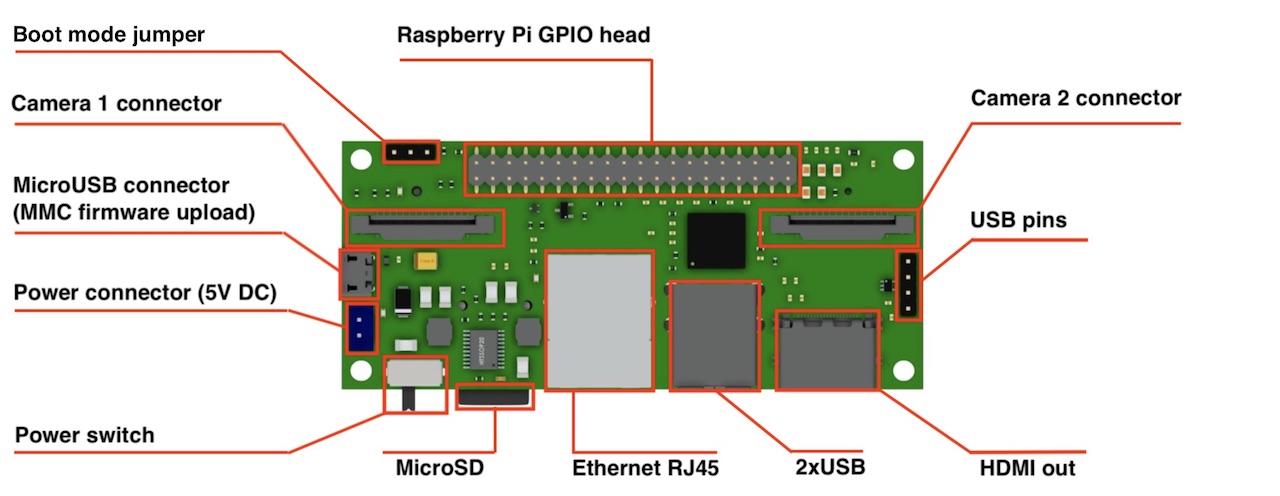
Camera: 2 x CSI 15 lanes cable
GPIO: 40 classic Raspberry PI GPIO
USB: 2 x USB type A, 1 USB on a pins
Ethernet: RJ45
Storage: Micro SD (for CM3 Lite)
Monitor: HDMI out
Power: 5V DC
Supported Raspberry Pi: Raspberry Pi Compute Module 3, Raspberry Pi CM 3 Lite, Raspberry Pi CM 1
Supported cameras: Raspberry Pi camera OV5647, Raspberry Pi camera Sony IMX 237, HDMI In (single mode)
Firmware update: MicroUSB connector
Power switch: Yes! No more connect-disconnect MicroUSB cable for power reboot!
Status: we have fully tested ready-to-production samples
https://www.crowdsupply.com/virt2real/stereopi
------
StereoPi - companion computer on Raspberry Pi with stereo video support
https://diydrones.com/profiles/blogs/stereopi-companion-computer-on-raspberry-pi-with-stereo-video-1
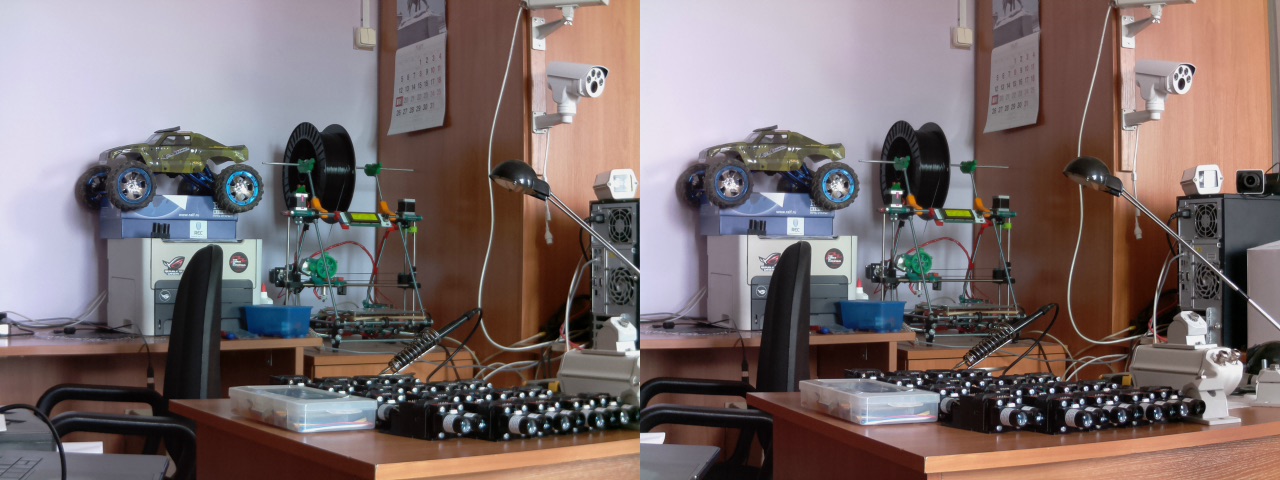
raspivid -3d sbs -w 1280 -h 480 -o 1.h264
and you get this:
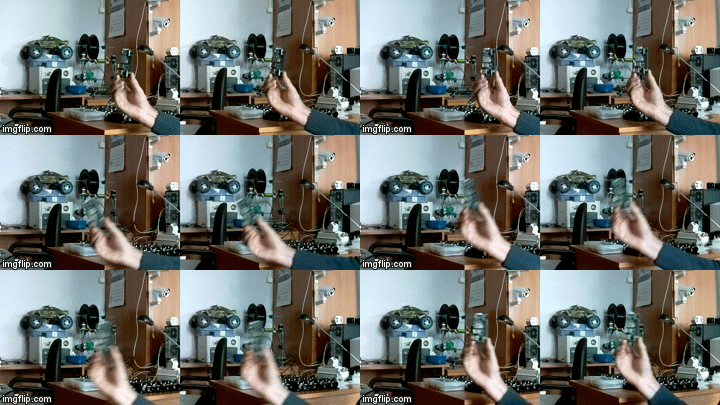
You can download original captured video fragment (converted to mp4) here.
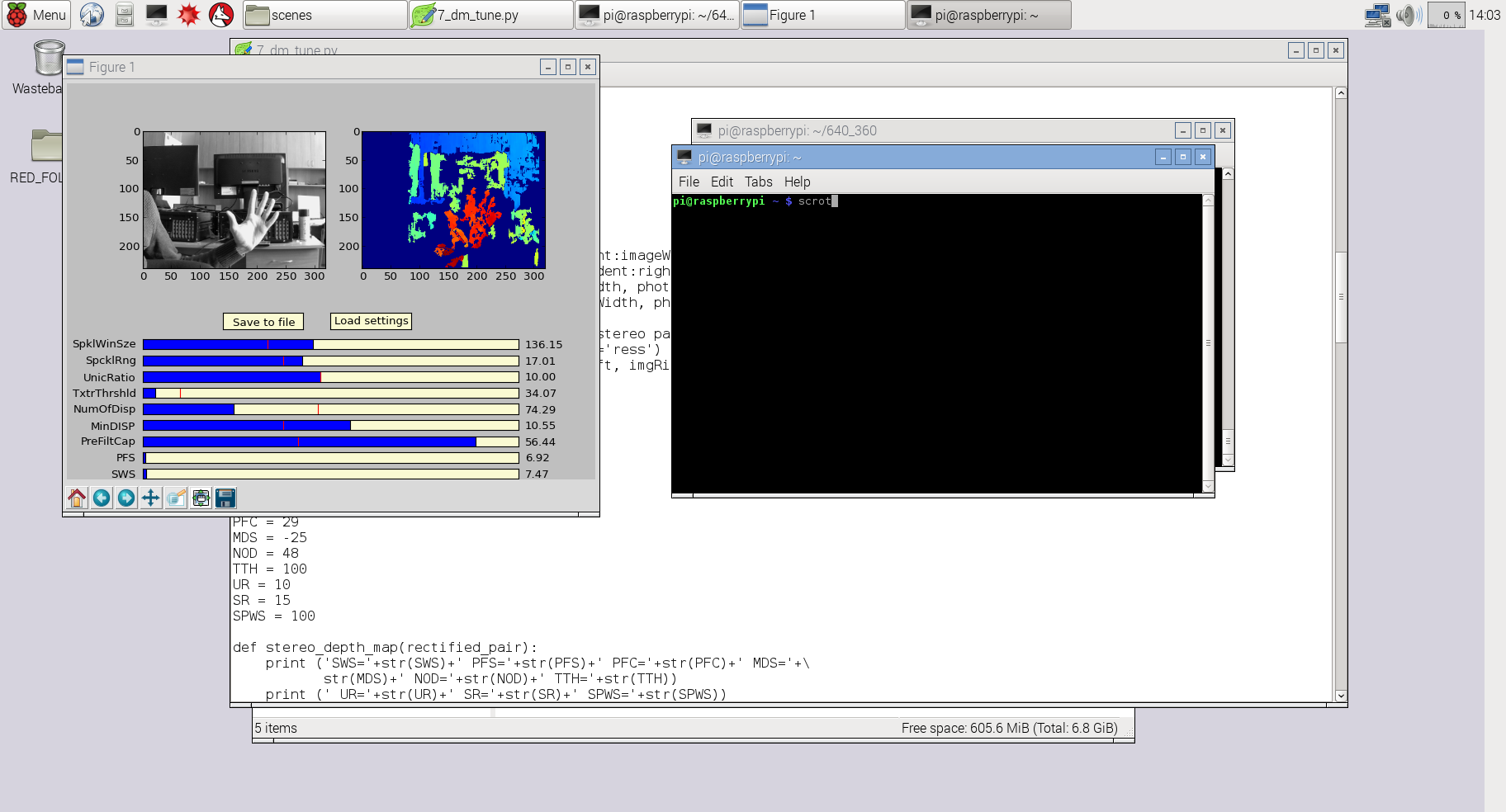
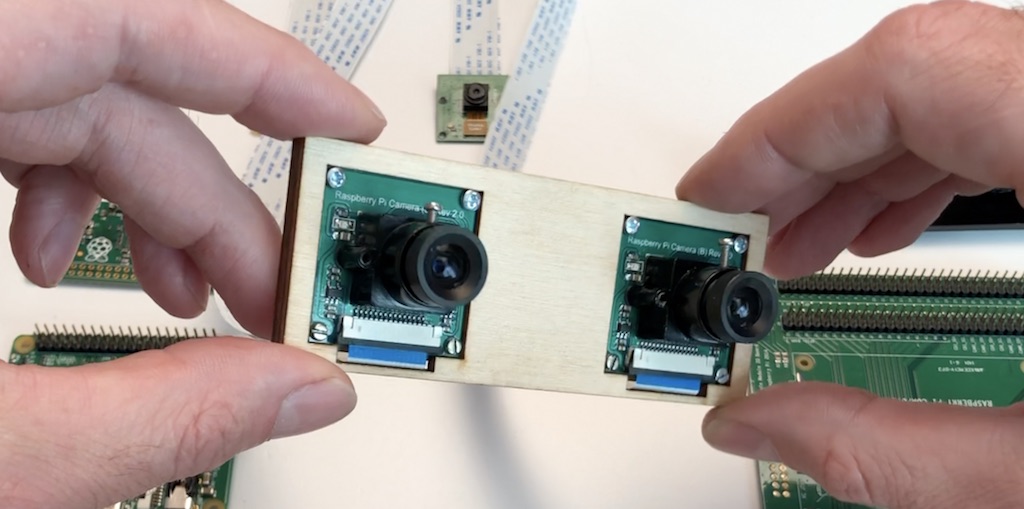
SLP (StereoPi Livestream Playground) Raspbian Image
https://github.com/realizator
https://github.com/realizator/StereoVision
https://github.com/realizator/stereopi-fisheye-robot
https://github.com/search?p=3&q=stereopi&type=Repositories
Wednesday, August 05, 2020
New Live Streaming TV site.
Sunday, August 02, 2020
One negative review of xsplit.

Tuesday, July 07, 2020
Huya - the Chinese Twitch.tv : Stream VR Panoramic video live.
https://www.huya.com/
This is a really cool site if you can read Mandarin or have the google translator plugin that will make it english.
Anyhow I just stumbled on this when researching streaming Live 360VR for the Qoocam. I assume there is a big lag in it.
What is Huya Live

